![px2.png]](https://contxt-help.paxafe.com/hs-fs/hubfs/px2.png?height=40&name=px2.png)
In the shipment creation process you will see a section for shipment legs on the bottom left pane.
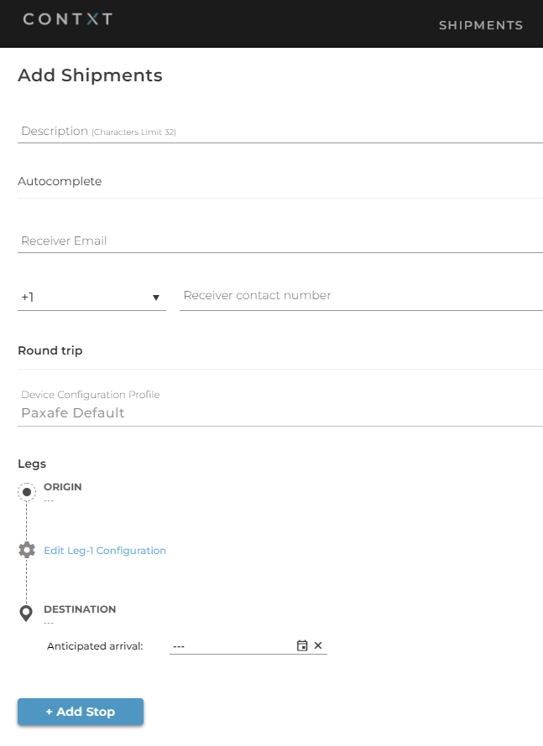
Click on the Edit Leg-1 Configuration. It will expand and allow several modes.
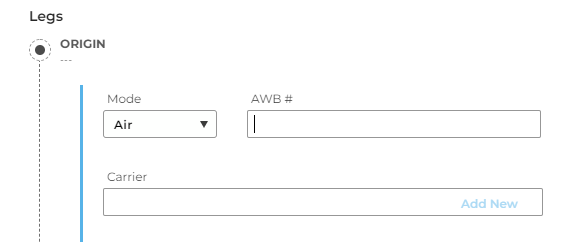
Select Mode > Air and enter the Air Waybill # as well as the Carrier.
Go ahead and finish creating your shipment and you are ready to ship via Air!